




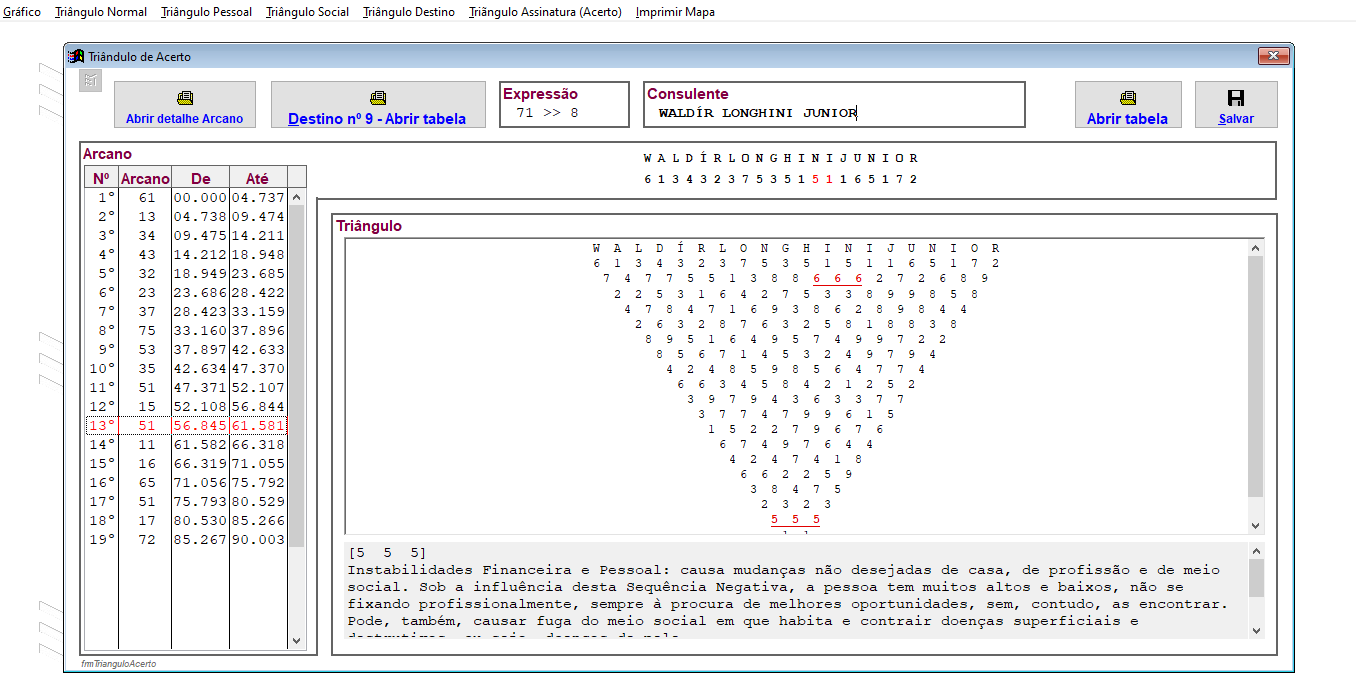
Creating a Signature has never been so easy and fast. After you enter your client's name, date of birth, and whether they are a man, a woman, or a child, you can open the Numerology Chart to check the most important items you will use when creating the Signature, and the Life Triangle to check the Negative Sequences. These screens are available throughout the entire Signature creation process.
In the program's top menu, just click Signature Triangle. While you create the Signature, the Triangle updates in real time and shows you all the unfavorable Arcana of the Name, so you can eliminate the Negative Sequences and Harmful Arcana. When the Signature is ready, save it and you can print the Numerology Map.
Watch the video below to see how easy it is to create Signatures in Easy Maps.